 WorkBook
If the internet or the server goes down, a paired till does not stop. It keeps its own list of items and prices, takes the sale, and sends it to the books later.
Before you start.
- The till must be paired. See the guide on setting up a till.
- Open the till while you are online at least once, so it has its list of items.
Steps.
Sell as usual. Tap an item, or search by name or barcode.
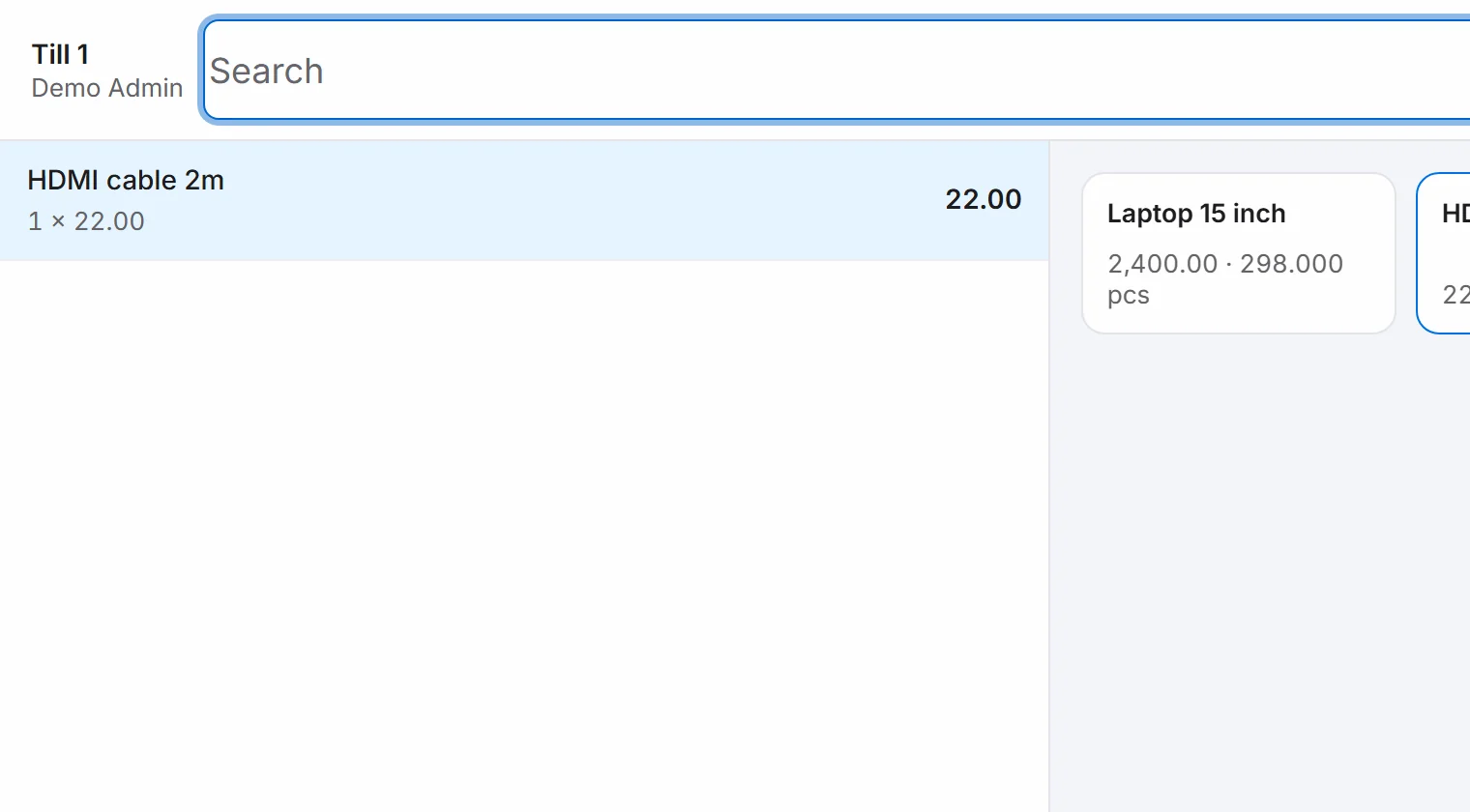
Choose Cash and then Done.
A message says the sale is accepted. A tag at the top shows Offline, 1 pending. Each new sale adds one to the count.

Keep selling. Your sales get till numbers that begin with the till, such as T1-26-0001.
To see what is waiting, choose the tag. Retry Sync tries to send them at once.
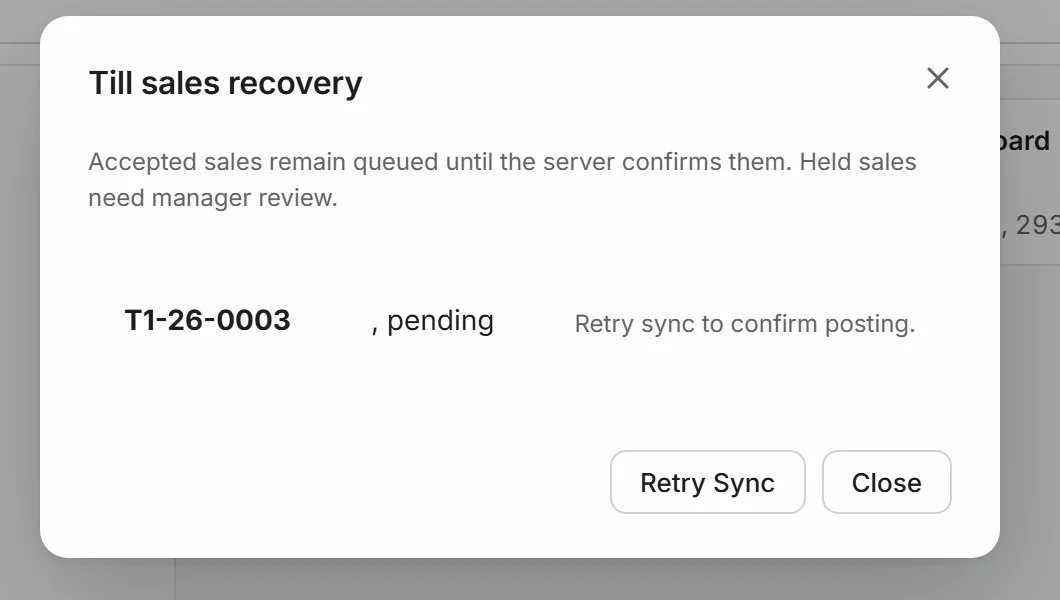
When the connection returns, the till sends the sales by itself, every 15 seconds. The tag disappears, and each sale is now in your books as an invoice.
Good to know.
- Sales wait in the till's own storage. Keep using the same computer and app until the tag is gone.
- While offline, an item that is not in the till's list is not found. The till says so on the screen.
- Stock, customer balances and reports update only after the sales reach the server.
- A sale that needs a manager to look at it is shown as held for review. It is not posted until the manager approves it.
Related.
- Set up a till and cashier PINsAdd the till under Settings, then Tills, enter its code on the cash counter computer under This Device, and let each cashier set a PIN with More, Set My PIN.
- Close a shift and count the drawerOn the till, choose More, then Close Shift. Count the cash in the drawer and enter it. The shift report shows what you took and any difference.
- Issue a credit note for returned goodsOpen the invoice, choose Return or correct, then Return / Credit. Enter the quantity returned and choose Post return to issue a tax credit note.