 WorkBook
 builds your VAT 201 from the sales and purchases you have posted. You check the boxes here, then enter them on the Federal Tax Authority's EmaraTax site yourself.
Before you start.
- Post every sale, purchase and expense for the period, so that they carry the right VAT code.
- You need permission to view reports.
Steps.
Open Reports, then VAT Return (VAT 201). Choose the Period: This Period, Last Period, or Custom with From and To dates.

Read the boxes. Outputs are boxes 1a to 8. Inputs are boxes 9 to 11. Boxes 12 to 14 show the tax due, the tax you can recover, and the payable tax.
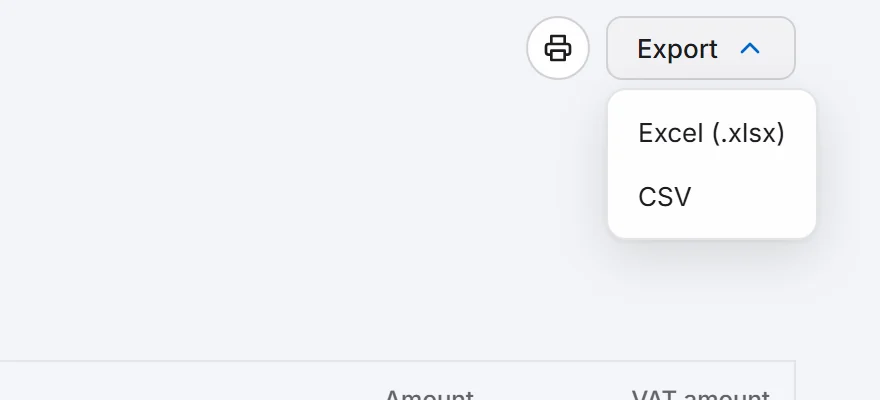
To keep a copy, choose Export, then Excel (.xlsx) or CSV. The print button next to it prints the page.
Sign in to EmaraTax, enter each figure in the matching box of your VAT 201, and submit it there.
Good to know.
- Box 1 is split by emirate. A sale counts in the emirate of the branch that posted it.
- Boxes 2, 6 and 7 always show zero. Tourist refunds and goods imported into the UAE are not filled in yet, so add those on EmaraTax if you have them.
- Reverse charge purchases appear in box 3 and box 10.
- Box 14 is box 12 minus box 13. A negative figure means you can recover tax.
- If a figure looks wrong, open the sale or bill and check its VAT code. Documents that are not posted do not appear.
The rules: What goes in each box, and the deadlines.
Related.
- Make the FTA Audit File (FAF)Open Reports, then FTA Audit File (FAF), choose the dates and fix anything under Export check. When it is clear, choose Download for the CSV or text file.
- Issue a credit note for returned goodsOpen the invoice, choose Return or correct, then Return / Credit. Enter the quantity returned and choose Post return to issue a tax credit note.
- Record a payment from a customerOpen the invoice and choose Record payment. Check the amount and how it was paid, then choose Post. The invoice shows Paid.